
Any moment from the last two weeks
The last 10 trading days stay replayable — any minute from 04:00 to 20:00 ET — and this morning is replayable within minutes of happening.
Trade this morning again. Apex Replay rebuilds a recorded trading day — scanners, halts, news, charts, and the tape — exactly as the desk showed it, then plays it forward on your own clock with a fresh $25k practice account.
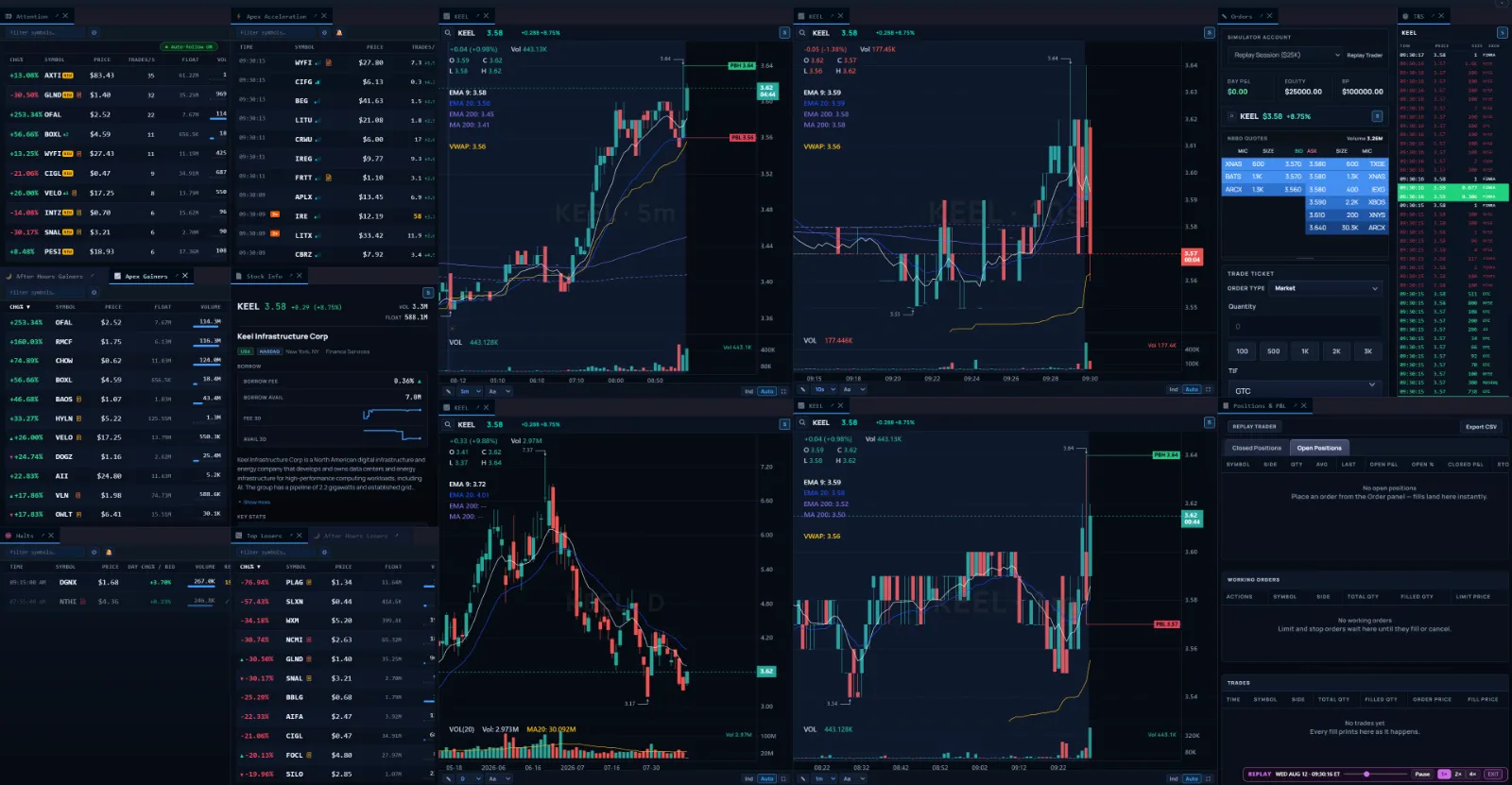
The last 10 trading days stay replayable — any minute from 04:00 to 20:00 ET — and this morning is replayable within minutes of happening.
Play, pause, run it at 1×, 2×, or 4×, or jump the playhead straight to the minute you want to study.
With Simulator access, orders fill against the replayed tape at replayed market time on a $25k practice account that resets flat every session.
Charts, time & sales, scanner signals, halts, and news reconstructed for that day, in your own workspace layout with the same panels and hotkeys.
Each surface below is the live product, captured from a real replay of a past trading day.
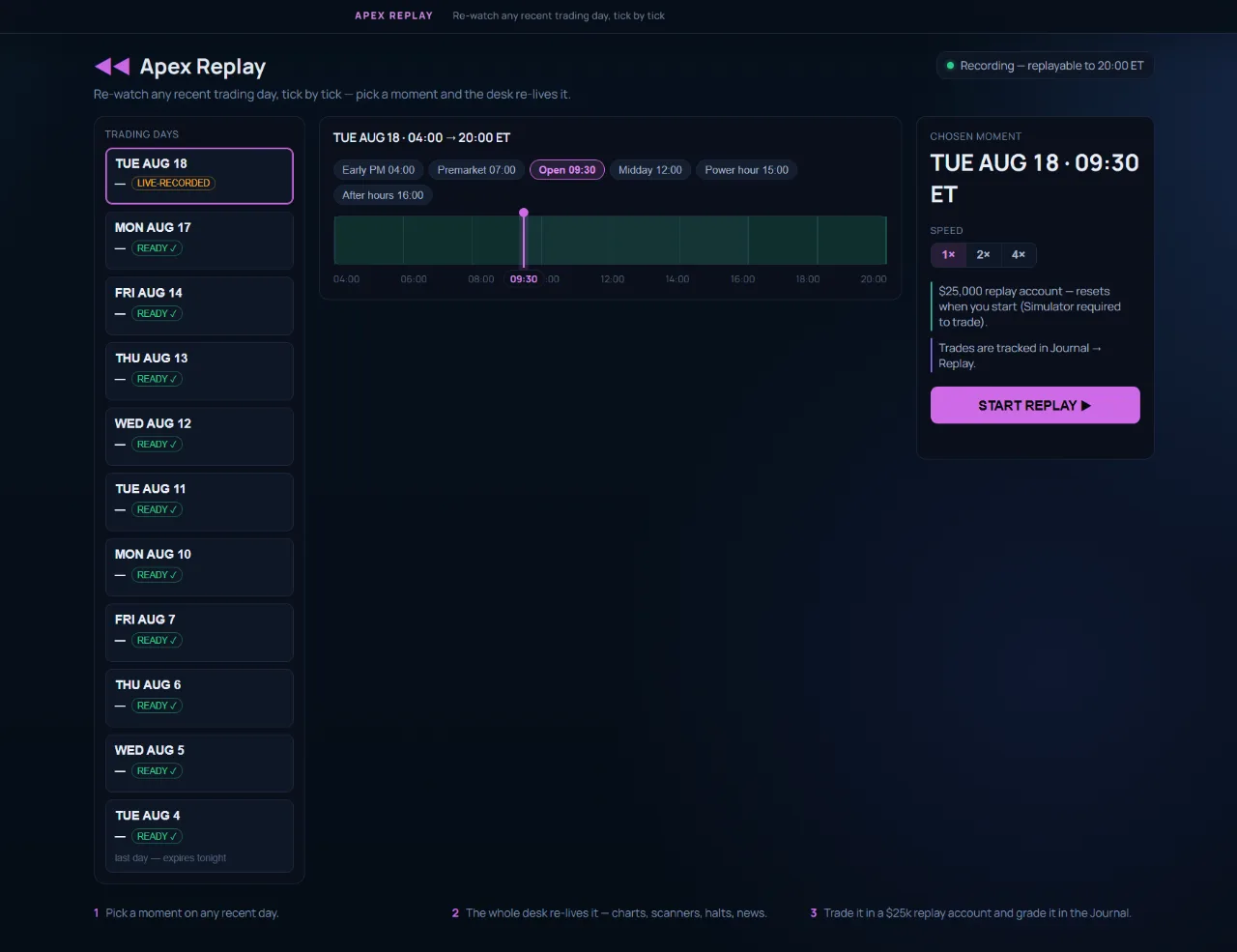
What The 10 retained trading days on one rail — each showing that day's top mover, halt count, and signal count — with a 04:00-to-20:00 ET timeline you drag to the exact minute you want to start.
When The lunchtime "what actually happened at 9:47" question, answered in two clicks.
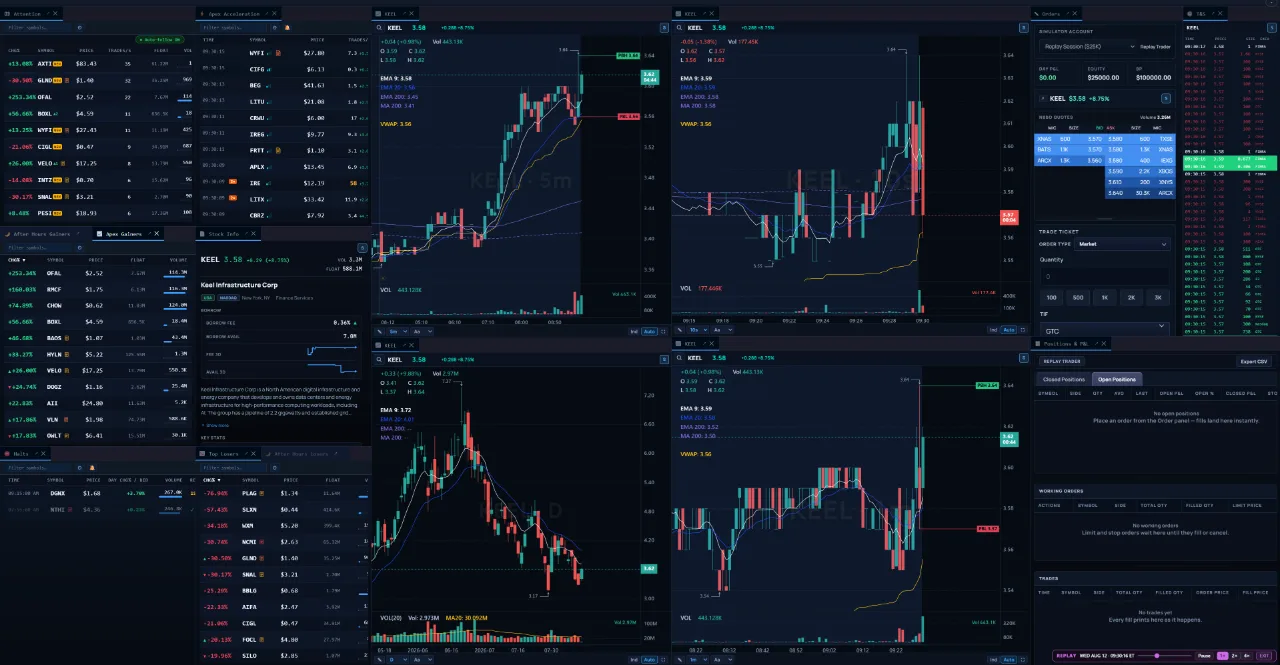
What Your workspace opens in replay mode: scanner rows as they ranked at that minute, the chart and tape rebuilt from the recorded prints, halts and news firing at their original timestamps.
When Studying how a runner actually developed — with the same panels you watch live.
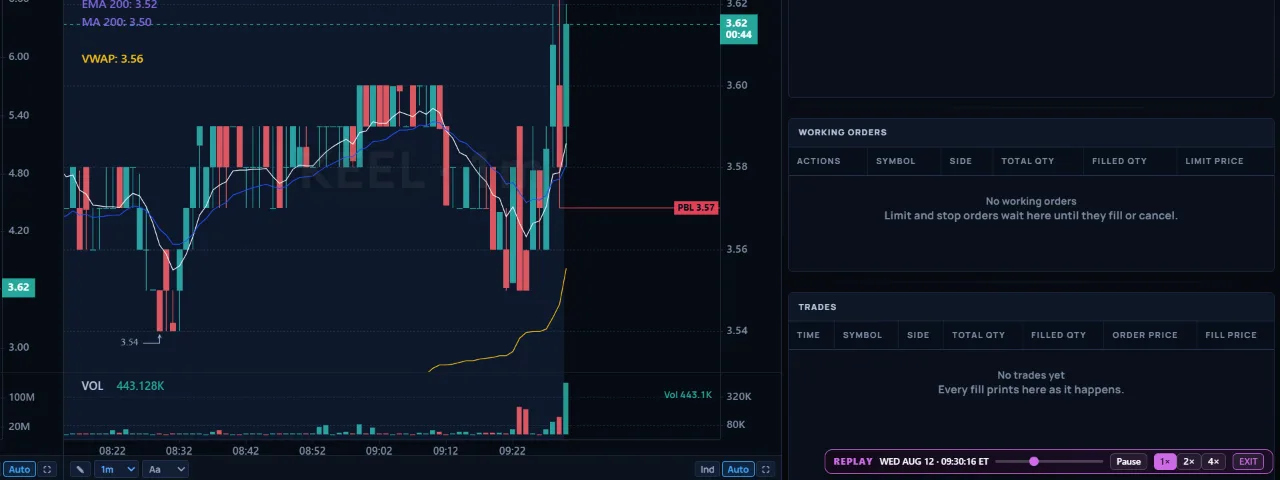
What A replay clock sits on the desk for the whole session — virtual date and time, speed control, and the playhead you move to jump elsewhere in the day.
When Slowing down the halt resume, then fast-forwarding the chop between setups.
The replay clock stays on screen for the whole session, so a replay is never mistaken for the live market. Coverage is labeled rather than implied: charts cover the day broadly, and each symbol shows whether it carries full tick-level tape for that day.
Replay runs the same workspace, panels, and hotkeys as the live desk — the Scanners you watch, the Simulator you practice on, and the Trading Journal you review in, pointed at a day that already happened.